Video after-sales site for manufacturers

Your installers call.
Your videos answer.

Perivia builds your branded after-sales site: step-by-step video tutorials, one QR code scan away on your equipment. Your installers keep working, and your support line gets a break.

calls avoided per year
4,200
support hours freed up
1,050 h
saved every year
47,300 €

Example for a manufacturer receiving 1,000 technical support calls per month. Detailed assumptions below. Adjust with my figures

The problem

An avoidable call
costs far more than a call.

When an installer gets stuck on a connection or a setting, they pick up the phone. That’s when the costs start.

An overloaded support line

Your support technicians answer the same installation and commissioning questions every day instead of handling real incidents.

A job on hold

While they wait on the phone, the installer isn’t installing. Their customer waits, their schedule slips, and your brand gets the blame.

Unnecessary site visits

When a phone explanation isn’t enough, a technician travels out for an adjustment a two-minute video could have shown.

Warranty claims

A misunderstood step leads to a poor installation. And a poor installation often ends in a claim, paid out of your budget.

The solution

Your after-sales site,
in your colours.

An interface designed for the job site: the installer scans, picks the step they’re on and watches the exact technique to follow.

  • Your brand, not ours

    Logo, colours, domain name: your installers see your brand, not a third-party tool.

  • Videos split into steps

    One step, one action, one short video. Installers go straight to the part they’re stuck on.

  • One QR code per product

    Stuck on the equipment, manual or packaging, it opens the right tutorial directly. No searching.

  • Public or protected

    Open to everyone, or password-protected for specific contractors and your approved network.

  • Always up to date

    New product version? The video is updated, and QR codes already in the field keep working.

How it works

From your experts’ hands
to the installer’s phone.

  1. 1 Film

    We capture your experts’ techniques

    Our team films your support technicians and trainers on the operations that generate the most calls. Your existing videos can also be used.

  2. 2 Structure

    Perivia splits it into steps

    Each tutorial is split into short steps with titles and subtitles. Your experts approve everything before it goes live.

  3. 3 Share

    Your installers scan

    One QR code per product reference, for your equipment and documentation. The after-sales site opens directly on the right product.

Use cases

Wherever a contractor
installs your equipment.

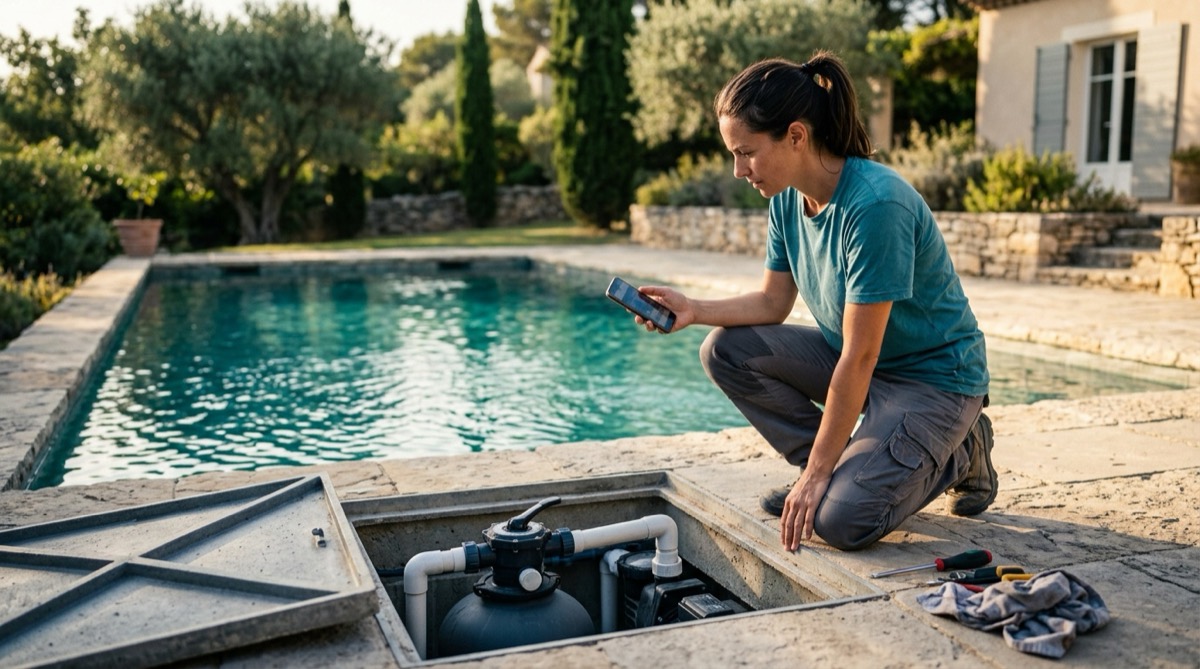
A pool technician watches a video on a smartphone next to a pool filtration unit.Water filtration

For pool installers

The pool installer scans the filter, right by the pool

Valve connection, commissioning, backwash: the QR code on the filter opens the right video, without calling your support line in peak season.

Example tutorials
  • Multiport valve
  • Commissioning
  • Backwash
  • Winterising
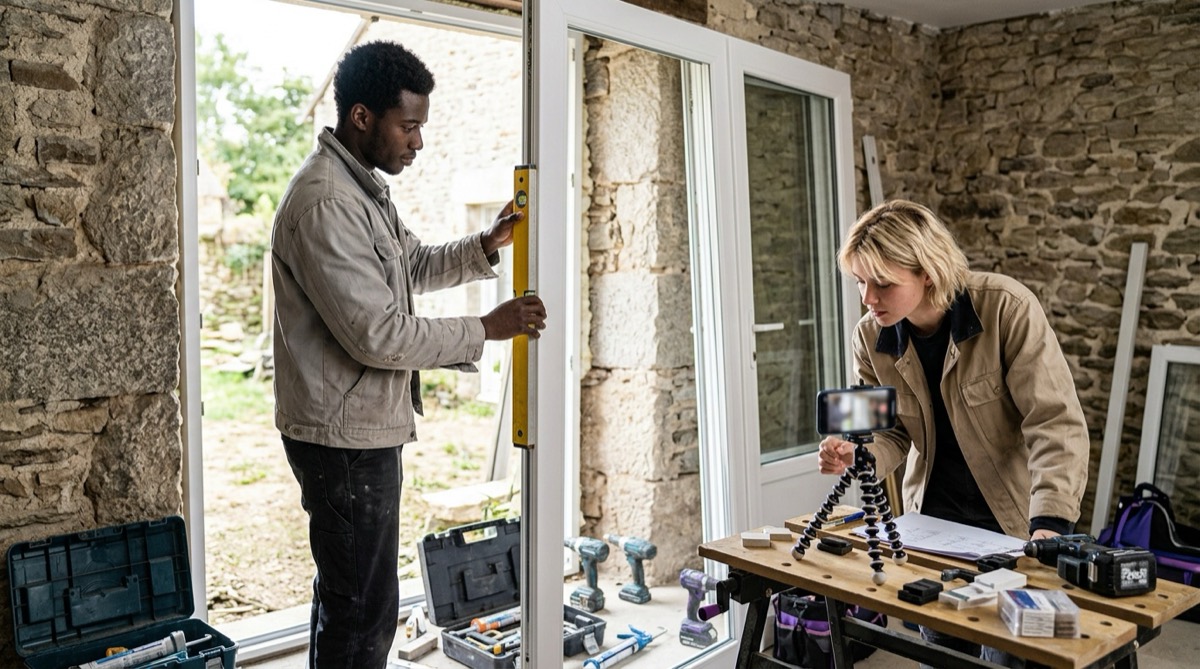
A fitter and an apprentice install a PVC French door while following a video on a smartphone.PVC windows and doors

For fitters

The fitter follows the French door installation

Packing, fixing, sash adjustment: your installation manuals become step-by-step videos, available on site with the frame in hand.

Example tutorials

  • Frame packing
  • Fixing
  • Sash adjustment
  • Accessible threshold
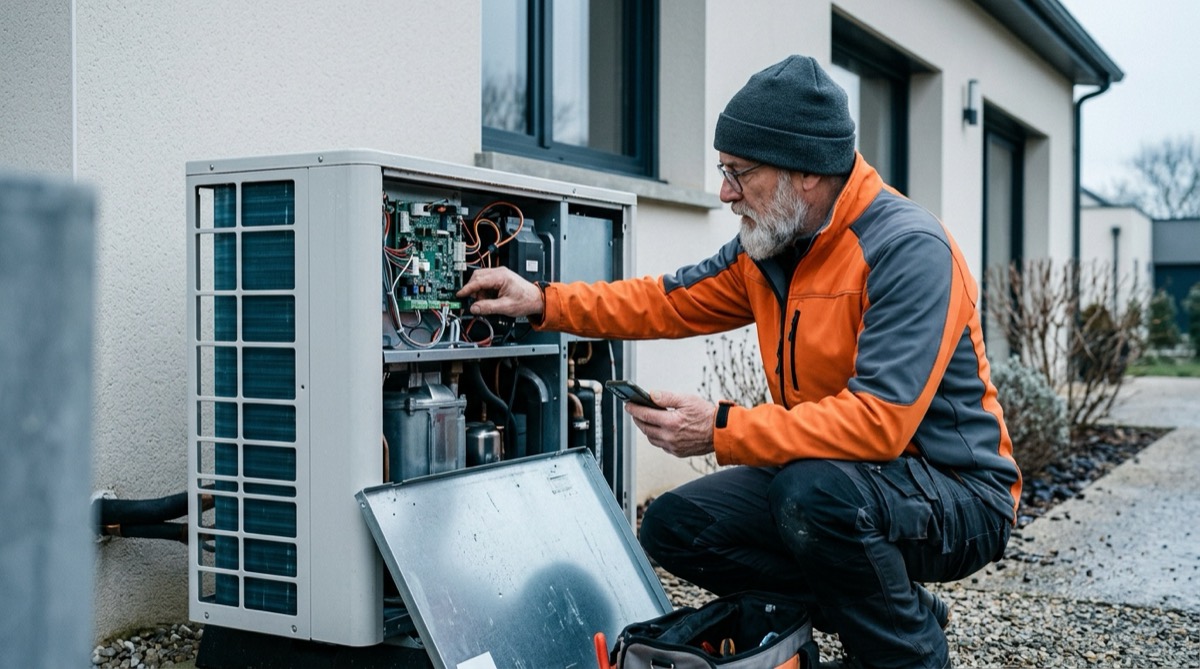
A heating engineer adjusts a heat pump while watching a tutorial on a smartphone.Heat pumps

For heating engineers

The heating engineer sets up without waiting for support

Commissioning, controller settings, fault codes: the questions that overload your support line every winter are answered on site.

Example tutorials

  • Commissioning
  • Controller settings
  • Fault codes
  • Annual service
An electrician scans the QR code on an EV charger in a garage.EV chargers

For electricians

The electrician configures the charger first time

Wiring, network connection, app pairing: every step is shown, so the charger works as soon as it’s commissioned.

Example tutorials

  • Wiring
  • Network setup
  • App pairing
  • Status lights

Your savings

What do avoidable calls
really cost you?

Adjust the assumptions to match your business. The calculation is indicative: it gives you an order of magnitude to compare with your own data.

Your assumptions

Your potential savings

Support time saved47,300 €/ year

4,200calls avoided per year

1,050 hsupport hours freed up0.7 full-time equivalent

Calculation: calls per month × avoidable share × 12 × duration × €45/hour (loaded cost of a support technician). 1 FTE = 1,607 hours per year. Not included, though very real: technician visits avoided, warranty claims and time saved by your installers.

Filmed once, it keeps on answering.

If a single video avoids 30 fifteen-minute calls a month, it frees up 90 support hours a year. And it also answers at night, at weekends and in peak season.

Take the next step

What if your support line only handled real problems?

30 minutes to estimate your savings with your own figures and see a Perivia after-sales site in action.